Quick Answer
- On a 2GB RAM PC, stick to 2D and early-90s games: DOOM, Road Rash, Super Mario Bros, Metal Slug X, Tetris, Minesweeper and 3D Pinball.
- With 4GB RAM you can add Counter-Strike 1.6, Tekken 3, Diablo, Stronghold Crusader, Minecraft Classic and Quake.
- 3D open-world games such as GTA Vice City and NFS Most Wanted need 6 to 8GB to feel smooth in a browser.
- The biggest free speed boost: close every other tab and app, and turn on hardware acceleration in your browser.
1. What counts as a low-end PC?
For this guide, a low-end PC is anything with 2GB to 4GB of RAM, an older dual-core or entry-level processor (Celeron, Pentium, older Core i3 or AMD A-series) and no separate graphics card, only the graphics built into the processor. That covers most school laptops, office desktops from ten years ago and budget Chromebooks.
Machines like that cannot install modern games, and often do not have the disk space either. Browser games are a good fit because there is nothing to install, and you can try a game in a few seconds to see if your PC can handle it.
One honest note before the list: a browser itself uses memory. On a 2GB machine, Chrome with a single tab already takes a good share of your RAM. So the tiers below are a practical guide, not a promise. Try the lightest game first and move up.
2. Tier 1: Runs on almost anything (2GB RAM)
These are 2D games or very early 3D games. They load quickly and stay smooth even on old hardware.
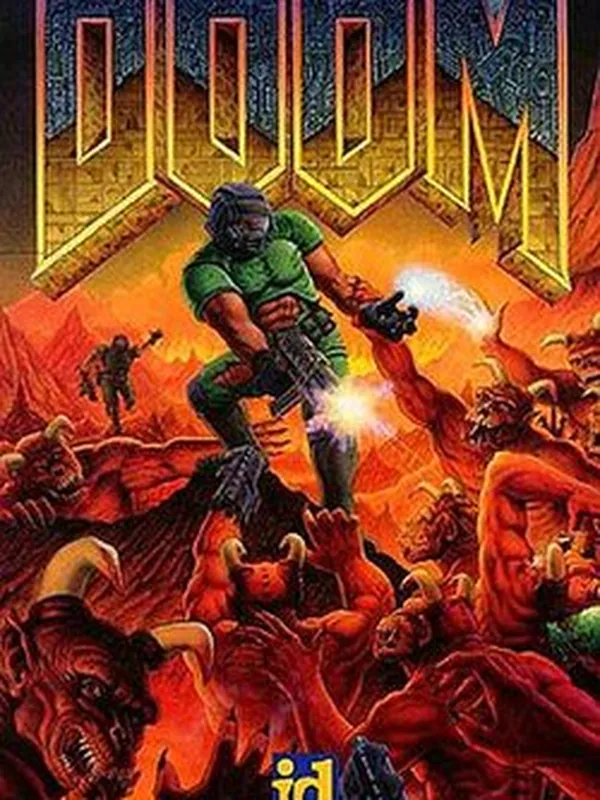
- DOOM (1993): the original fast shooter. Tiny file, smooth on nearly every PC.
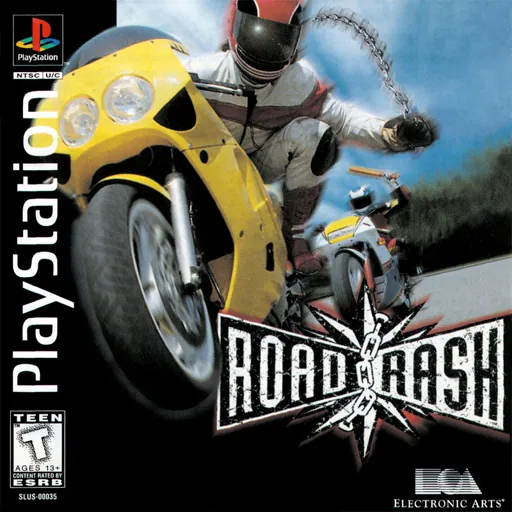
- Road Rash: motorbike racing and roadside fights. Simple graphics, lots of fun.
- Super Mario Bros.: the NES classic. Runs on anything.
- Metal Slug X: run-and-gun arcade action with brilliant pixel art.
- Street Fighter Alpha 2 Gold: one-on-one fighting, playable with two players on one keyboard.
- 3D Pinball: Space Cadet: the Windows pinball table everybody remembers.
- Tetris, Minesweeper, Snake and 2048: quick puzzle games for short breaks.
3. Tier 2: Good on 4GB RAM
These need a bit more memory, mostly because they are 3D or use a heavier emulator. On a 4GB laptop with other tabs closed they play well.
- Counter-Strike 1.6: the cyber cafe classic. Low graphics needs, but give it a clean browser.
- Tekken 3: the PlayStation fighting game, through an emulator.
- Diablo: the original dungeon crawler.
- Stronghold Crusader: castle building and sieges. Smaller maps run smoother on weak machines.
- Minecraft Classic: the simple creative mode. Much lighter than Eaglercraft.
- Quake and Quake II: early 3D shooters that still feel fast.
- Cricket 07: playable on 4GB; if it stutters, close every other tab first.
- Project IGI: the stealth shooter; big outdoor levels, so close everything else first.
4. Tier 3: Needs 6 to 8GB RAM
These are full 3D games from the 2000s. They can start on a 4GB machine, but the browser has to hold a lot of game data in memory, so expect slow loading or stutter.
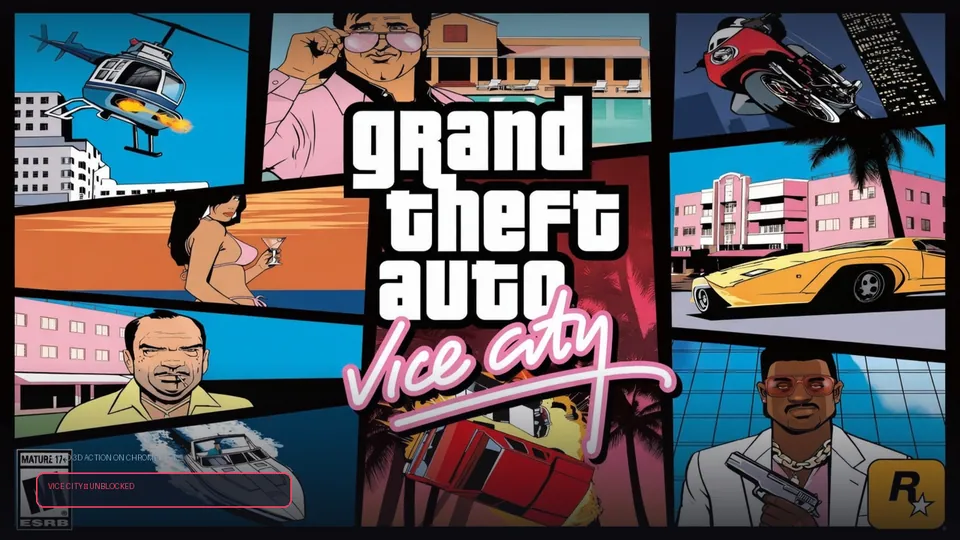
- GTA: Vice City: a whole open city in the browser.
- Need for Speed: Most Wanted: fast cars, big city, heavy on memory.
- Eaglercraft: Minecraft 1.8 in the browser; turn the render distance down.
- Half-Life: lighter than the others here, but still better with 6GB or more.
If your PC has 4GB and you want to try these, read the settings section below first. It can be the difference between unplayable and fine.
5. Browser settings that make games run smoother
- Close every other tab, especially YouTube, social media and other games. Each tab can use hundreds of megabytes.
- Turn on hardware acceleration. In Chrome or Edge open Settings, go to System and switch on "Use graphics acceleration when available", then restart the browser.
- Disable extensions you do not need, or use a guest window, which runs without them.
- Use Chrome or Edge. They run WebAssembly games best. Keep the browser updated.
- Play in full screen with the button under the game. It reduces the work the browser does to draw the rest of the page.
6. Windows settings for weak laptops
- Plug in the charger and choose the "Best performance" power mode. On battery, many laptops slow the processor down.
- Close background apps in the system tray (cloud sync, chat apps, updaters) before you play.
- Keep some disk space free. Windows uses part of the disk as extra memory when RAM is full; with a nearly full disk everything slows down.
- Update your graphics driver from Intel or AMD. Old drivers cause most of the black screens and crashes in browser 3D games.
- Restart before a long session. It clears memory that other programs have been holding on to.
7. Notes for Chromebooks
Most school and budget Chromebooks have 4GB of RAM, which puts them in Tier 2. They handle 2D games and the lighter 3D games well. Keep only one tab open, and if a game feels slow, restart the Chromebook first. For Chromebook-specific tips see our guide to games on Chromebook.
8. Which game should you start with?
If you are not sure what your PC can do, use this simple test:
- Open DOOM. If it runs smoothly, your PC is fine for all of Tier 1.
- Try Counter-Strike 1.6. If that plays well, the rest of Tier 2 will work too.
- Only then try GTA Vice City or NFS Most Wanted.
Looking for the classics rather than the lightest games? Our list of old PC games you can play online covers Project IGI, Cricket 07, Need for Speed and more.
9. Frequently Asked Questions
Which games can I play on a 2GB RAM PC?
2D and early-90s games work best: DOOM, Road Rash, Super Mario Bros, Metal Slug X, Street Fighter Alpha 2, Tetris, Minesweeper and 3D Pinball. Close other tabs and apps while playing.
Can a 4GB RAM laptop run games without a graphics card?
Yes. With 4GB you can play Counter-Strike 1.6, Tekken 3, Diablo, Stronghold Crusader, Minecraft Classic, Quake, Cricket 07 and Project IGI in the browser using the graphics built into your processor.
Can I play GTA Vice City on a 4GB RAM laptop?
It can start, but in a browser it is much smoother with 6 to 8GB. On 4GB, close every other tab and app, turn on hardware acceleration and plug in the charger.
Do browser games use less RAM than installed games?
Not always. The browser itself uses memory, so a browser game can need more RAM than the original installed version. The advantage is that there is nothing to download or install.
What is the best browser for playing games on a low-end PC?
Chrome or Edge, kept up to date and with hardware acceleration turned on. Use a guest window if you have many extensions installed.
Do these games work on a Chromebook?
Most do. A 4GB Chromebook handles the Tier 1 and Tier 2 games in this list well.