Eaglercraft Unblocked: Play Free Minecraft 1.8.8 in Web Browser on School Chromebook (2026)
How the revolutionary TeaVM WebAssembly compiler brings full-scale Minecraft 1.8.8 survival, creative mode, and multiplayer PvP directly into your web browser.
Executive Summary & Key Takeaways
- Eaglercraft is an open-source real-time port of Minecraft 1.8.8 compiled into pure JavaScript and WebAssembly via the TeaVM bytecode compiler.
- Features 100% authentic survival mode, the Nether, The End (Ender Dragon fight), redstone logic, villager trading, and full Bedwars multiplayer servers.
- Runs completely inside Google Chrome without requiring Java runtime installation, an official Mojang/Microsoft account, or administrator permissions.
- Connects to global multiplayer Eaglercraft servers using WebSocket proxy bridges that bypass school Wi-Fi UDP port blocks.
- Supports custom 16x16 and 32x32 PvP resource packs and custom skins directly loaded from local image files.
1. What is Eaglercraft and Why is it Revolutionary in 2026?
For over a decade, Minecraft has stood as the single best-selling video game in human history, captivating millions of players with its limitless voxel creativity, procedural world generation, and thrilling survival mechanics. However, official Minecraft Java Edition requires a 64-bit Java Runtime Environment (JRE), an expensive commercial Microsoft account license, and access to download local game directories (.minecraft). On managed enterprise school Chromebooks and restricted library networks, students are strictly barred from installing Java runtimes or launching external executables.
To overcome these restrictions, brilliant open-source developers created Eaglercraft: a complete, authentic, 1:1 real-time web port of Minecraft 1.8.8. Eaglercraft is not a cheap 2D clone or a stripped-down tech demo; it is the authentic, full-featured original game. It includes every block, every mob (Creepers, Endermen, Zombies, Skeletons), every potion, enchanting table, brewing stand, redstone circuit, the Nether dimension, and the full battle against the Ender Dragon in The End—running 100% natively inside any standard web browser tab!
2. How TeaVM and WebAssembly Run Java in Google Chrome
The technical engineering behind Eaglercraft is nothing short of miraculous. Originally, Minecraft was written in Java utilizing the Lightweight Java Game Library (LWJGL) and OpenGL. Web browsers cannot execute compiled Java .class or .jar bytecode natively.
Eaglercraft solves this through TeaVM, an ahead-of-time (AOT) bytecode compiler that translates Java bytecode directly into high-efficiency JavaScript and WebAssembly (WASM). In addition, the game's OpenGL rendering calls are dynamically mapped to browser WebGL 2.0, while LWJGL audio calls are routed through the browser's WebAudio API. The result is pure client-side execution: your computer processes block physics, lighting calculations, and chunk generation entirely in your browser's memory without needing any external server streaming!
3. Survival Mode, The Nether, Redstone & Ender Dragon Support
When you launch Eaglercraft on GameHood, you gain access to the complete Minecraft singleplayer experience:
- Survival Mode: Punch trees, craft wooden and stone tools, build your first night shelter, smelt iron in furnaces, mine for diamonds at Y-level 11, and fight off nocturnal mobs. Hunger mechanics, health regeneration, armor ratings, and tool durability function identically to genuine Minecraft Java Edition.
- Creative Mode: Enjoy unlimited access to every building block, dye, glass pane, and decorative block in the game with instantaneous flight mode (double-tap Spacebar) to construct colossal castles, modern skyscrapers, and pixel art.
- The Nether & The End Dimensions: Construct an obsidian portal (4x5 blocks) and ignite it with flint and steel to step into the Nether to battle Ghasts, Blaze spawners in Nether Fortresses, and collect Nether Wart. Gather Ender Pearls and Blaze Powder to craft Eyes of Ender, locate the underground Stronghold, activate the End Portal, and defeat the Ender Dragon to beat the game!
- Advanced Redstone Logic: Piston doors, automatic sugarcane farms, redstone repeaters, comparators, t-flip-flops, and daylight sensors execute with original 1.8 tick-accurate timing.
4. Joining Public Multiplayer Servers & Bedwars Tournaments
Perhaps the most sensational capability of Eaglercraft is full multiplayer server networking. Standard Minecraft servers communicate over raw TCP sockets on port 25565, which school firewalls instantly block. Eaglercraft servers communicate through secure WebSocket tunnels (WSS over Port 443), making server traffic look completely identical to standard encrypted HTTPS web browsing!
You can connect to vibrant global public servers hosting:
- Bedwars: Protect your team's bed using endstone and obsidian while bridging across islands with wool blocks to destroy enemy teams.
- Skywars: Spawn on an isolated floating sky island, loot chests for enchanted swords and snowballs, and knock opponents into the void.
- 1.8 PvP Duels: Practice the beloved pre-1.9 spam-click combat mechanics, block-hitting, W-tapping, and rod-combos against thousands of online players.
- SMP (Survival Multiplayer): Claim territory, build collaborative community towns, and trade resources with classmates.
5. Maximizing FPS: OptiFine Settings for 60 FPS on 4GB Chromebooks
Eaglercraft includes an integrated web port of the legendary OptiFine optimization mod. To achieve a butter-smooth 60 FPS on low-spec school Chromebooks, configure your Video Settings as follows:
| Video Setting | Default Value | Recommended 60 FPS Value | Performance Impact |
|---|---|---|---|
| Graphics | Fancy | Fast | Removes transparent leaf rendering; massive FPS gain. |
| Render Distance | 8 Chunks | 4 to 6 Chunks | Cuts chunk memory allocation by more than 50%. |
| Smooth Lighting | Maximum | Off / Minimum | Eliminates per-pixel light shading calculations. |
| Max Framerate | V-Sync | 60 FPS / Unlimited | Removes artificial frame caps and stutter. |
| Clouds | Fancy | Fast / Off | Stops 3D cloud polygon rendering overhead. |
| Particles | All | Decreased / Minimal | Removes lag during potion splashes and torch smoke. |
| Entity Shadows | On | Off | Eliminates circular shadow draw calls under mobs. |
6. Installing Custom Skins & PvP Resource Packs in Browser
You are never stuck with default Steve or Alex skins. Eaglercraft allows you to customize your visual experience entirely in your browser:
Uploading Custom Skins
Download any standard 64x64 PNG Minecraft skin file from reputable skin libraries (such as NameMC or PlanetMinecraft). In Eaglercraft, go to Options > Skin Customization > Change Skin, click Browse, select your local PNG file, and click Save. Your custom skin will be visible to yourself and other players on supported Eaglercraft servers!
Loading 1.8.8 PvP Texture Packs
Love short swords, clear water, and outlined ore blocks? Eaglercraft natively supports standard Minecraft 1.8.8 ZIP resource packs. Open Options > Resource Packs, drag and drop any 1.8.8 texture pack ZIP file directly onto the browser window, click the arrow to move it to the active column, and click Done. The textures will reload instantly!
7. Exporting and Backing Up Your Singleplayer World Saves (EPK Format)
Because school Chromebooks may occasionally clear browser cache during district IT updates, always back up your singleplayer worlds. In the Eaglercraft world selection menu, click on your world and select Export to EPK. A compact .epk archive will download to your Chromebook's local Downloads folder or Google Drive. When you want to resume playing, simply click Import World and select your .epk file to restore your entire base, inventory, and Nether progress with 100% precision!
Frequently Asked Questions (FAQ)
What is Eaglercraft unblocked?
Eaglercraft is an open-source real-time port of Minecraft 1.8.8 compiled into WebAssembly and JavaScript via TeaVM. It runs full survival, creative, and multiplayer modes directly in Google Chrome.
Do I need a Microsoft or Mojang account to play?
No! Eaglercraft does not require any paid account or login. Simply choose a username and enter singleplayer or multiplayer instantly.
Can I play multiplayer with my friends at school?
Yes! Eaglercraft includes WebSocket networking that allows you to join public servers, play Bedwars, Skywars, and SMP with classmates even on restricted school Wi-Fi.
How do I save my singleplayer world so it doesn't get erased?
In the world select menu, click your world and press 'Export EPK' to save a backup to your device. You can import this file back anytime to restore your progress.
Can I install custom texture packs and skins?
Yes! Eaglercraft supports standard 1.8.8 ZIP resource packs and 64x64 PNG skins, loaded directly through the in-game options menu.
Does GameHood host unblocked Minecraft?
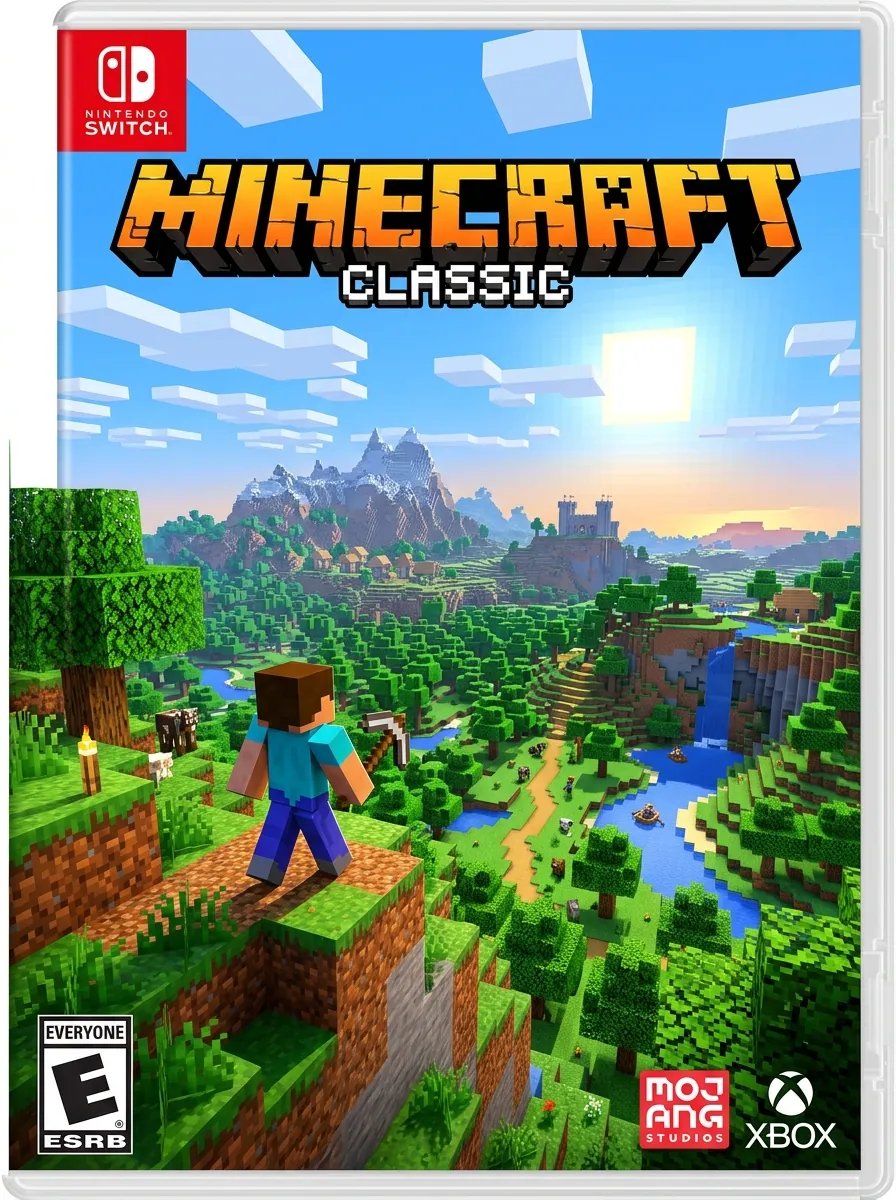
Yes! GameHood hosts both Minecraft Classic and modern WebAssembly voxel sandboxes unblocked with zero downloads.
Ready to Experience 60 FPS Gaming on GameHood?
Play 99+ legendary titles including GTA 5, GTA: Vice City, Stronghold Crusader, Project IGI, and CS 1.6 directly in your web browser. No downloads, zero installations, and completely unblocked for school and work.