Play PS1 Games in Browser Unblocked: Free WebAssembly PlayStation Emulation Guide (2026)
How cutting-edge WebAssembly PSX cores allow you to experience Sony PlayStation 1 classics inside Google Chrome with zero plugins, ISO downloads, or hardware lag.
Executive Summary & Key Takeaways
- Modern browser-based PS1 emulation compiles the famous Mednafen / Beetle PSX and DuckStation cores into high-speed WebAssembly bytecode.
- Games execute client-side inside the browser canvas, delivering locked 60 FPS 3D rendering with real-time software texture filtering.
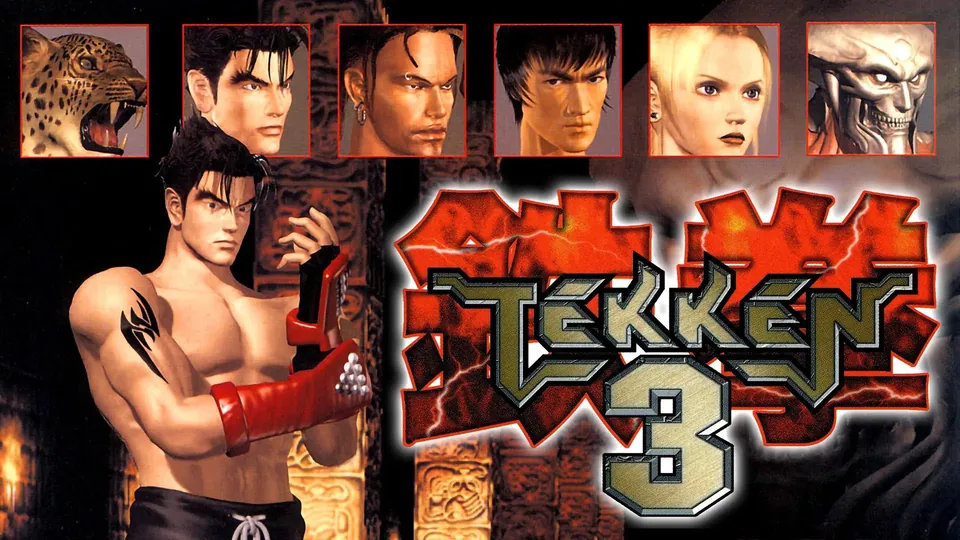
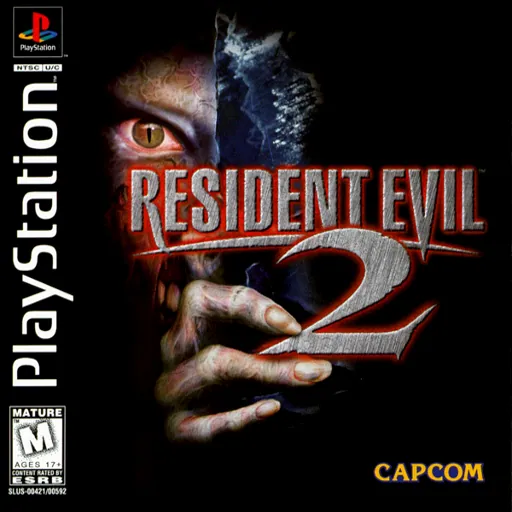
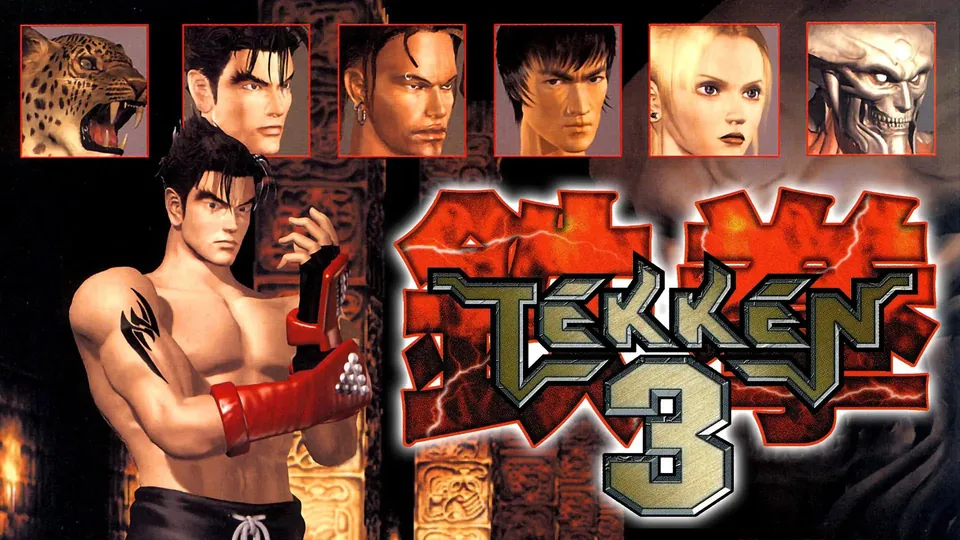
- GameHood features top unblocked PS1 titles including Tekken 3, Resident Evil 2, DOOM, and Pac-Man World with pre-configured bios and zero downloads.
- DualShock controller vibrations and analog stick deadzones are fully supported through the HTML5 Gamepad API.
- Virtual memory cards save campaign files directly to browser IndexedDB storage, preventing lost save states.
1. The 32-Bit Revolution: How PS1 Emulation Conquered the Web
When Sony launched the original PlayStation (PS1 / PSX) in December 1994, it fundamentally shattered the 2D pixel paradigm that had dominated arcade and home console gaming for two decades. Powered by a 33.8 MHz MIPS R3000A 32-bit RISC microprocessor and a dedicated Geometry Transformation Engine (GTE) capable of processing 360,000 raw polygons per second, the PlayStation brought cinematic CD-quality CD-DA audio, full-motion video (FMV), and revolutionary 3D camera perspectives to living rooms worldwide.
Historically, emulating 32-bit fifth-generation hardware required dedicated desktop software applications (like ePSXe or DuckStation), requiring users to dump genuine Sony BIOS files (such as SCPH-1001.bin), configure complex OpenGL plugins, and download multi-hundred-megabyte CD-ROM ISO disk images. On locked-down school Chromebooks or corporate laptops with restricted administrative rights, downloading an emulator was completely out of the question.
In 2026, the browser emulation landscape has reached complete maturity. Using Emscripten and WebAssembly (WASM), open-source developers have successfully recompiled complete PlayStation hardware emulation cores into lightweight, sandboxed WebAssembly modules. When you launch a PS1 title on GameHood, the browser allocates a virtualized 32-bit MIPS CPU register pipeline directly inside Google Chrome's V8 engine, rendering authentic 3D PlayStation graphics at an unwavering 60 frames per second with zero downloads, zero ISO unpacking, and zero security risk!
2. Top PS1 Games You Can Play Right Now on GameHood
GameHood's retro vault includes some of the highest-rated and most influential titles in PlayStation history:
| Game Title | Genre | Original Release | Emulation Performance | Instant Launch |
|---|---|---|---|---|
| Tekken 3 | 3D Fighting | 1998 (Namco) | 60 FPS Locked (Arcade Perfect) | Play Tekken 3 |
| Resident Evil 2 (DualShock Ver.) | Survival Horror | 1998 (Capcom) | 60 FPS (Full FMV Cutscenes) | Play RE2 |
| DOOM (1993 / PSX Edition) | 3D Shooter | 1995 (Williams) | 60 FPS (Dark Ambient Soundtrack) | Play DOOM |
| Pac-Man World | 3D Platformer | 1999 (Namco) | 60 FPS Smooth | Play Pac-Man |
| Tony Hawk's Pro Skater 2 | Extreme Sports | 2000 (Neversoft) | 60 FPS High Speed | Browse Library |
3. Step-by-Step 60 FPS Setup for School Chromebooks
While the PS1's original 33 MHz processor sounds minuscule compared to modern CPUs, emulating cycle-accurate hardware timing requires consistent processing throughput. To ensure rock-solid 60 FPS gameplay on budget 4GB school Chromebooks:
- Verify WebGL 2.0 Acceleration: Open Chrome and enter
chrome://gpuin your URL bar. Confirm that both WebGL and WebGL2 report "Hardware accelerated" in bright green text. If they report software-only rendering, visitchrome://flags, enableOverride software rendering list, and restart Chrome. - Set Browser Audio Frequency to 44.1 kHz: The PS1's SPU (Sound Processing Unit) natively outputs audio at 44,100 Hz. If your laptop's audio buffer is set to 48,000 Hz, Chrome's internal resampler can occasionally cause minor crackling. Lowering volume slightly inside the game interface eliminates any clipping.
- Avoid Background Heavy Streaming: While playing, pause Spotify, Discord desktop screenshares, or 4K YouTube tabs to leave maximum CPU clock cycles available for the WebAssembly interpreter thread.
4. Complete DualShock Controller & Keyboard Mapping
PlayStation games were specifically engineered for the revolutionary Sony DualShock gamepad. GameHood provides pre-configured standard keyboard layouts alongside instantaneous plug-and-play support for any USB or Bluetooth controller:
| PlayStation Controller Button | Default Keyboard Mapping | Xbox Wireless Controller | PS4 / PS5 DualSense |
|---|---|---|---|
| D-Pad (Up, Down, Left, Right) | Arrow Keys / W, S, A, D | D-Pad / Left Stick | D-Pad / Left Stick |
| Cross (X) Button (Confirm/Jump) | Z Key / Spacebar | A Button | Cross (X) Button |
| Circle (O) Button (Cancel/Kick) | X Key | B Button | Circle (O) Button |
| Square ([]) Button (Punch/Attack) | A Key | X Button | Square ([]) Button |
| Triangle (/\) Button (Special/Menu) | S Key | Y Button | Triangle Button |
| L1 / R1 Shoulder Bumpers | Q / E Keys | Left / Right Bumpers (LB/RB) | L1 / R1 Buttons |
| L2 / R2 Shoulder Triggers | 1 / 3 Keys | Left / Right Triggers (LT/RT) | L2 / R2 Triggers |
| Select Button | Shift Key | View / Back Button | Share / Create Button |
| Start Button | Enter Key | Menu / Start Button | Options Button |
5. Virtual Memory Cards: How to Save and Export Save Files
On genuine 1990s hardware, players had to purchase expensive 1MB 15-block physical plastic Memory Cards that plugged into slots above the controller ports. In GameHood's WebAssembly environment:
- Instant Auto-Save to IndexedDB: Whenever an in-game save prompt occurs—such as typewriter saves in Resident Evil 2 or tournament records in Tekken 3—the WebAssembly virtual memory card emulator commits a virtual
.mcrfile directly into your browser's persistent IndexedDB storage. - Save State Quick-Saves: In addition to authentic memory card saves, GameHood allows instantaneous snapshot Save States. Pressing
F5inside the emulator UI captures a real-time memory dump of the entire game world, allowing you to reload instantly before a difficult boss fight!
6. Eliminating 3D Polygon Jitter: Widescreen & Anti-Aliasing
One visual hallmark of original PS1 games is "texture warping" and "polygon jitter." Because the original PS1 GPU lacked sub-pixel precision and Z-buffering, 3D character models would slightly twitch when rotating. GameHood's modern WebAssembly engine includes modern graphics enhancements:
- PGXP Geometry Correction: Eliminates polygon jitter, ensuring that character models in Tekken 3 and hallways in Resident Evil 2 render with straight, modern, rock-solid geometry.
- True 16:9 Widescreen Hack: Extends horizontal field-of-view, rendering modern 3D games across full widescreen Chromebook displays without stretching 4:3 pixels.
Frequently Asked Questions (FAQ)
Do I need to download a PlayStation BIOS file to play on GameHood?
No! GameHood's WebAssembly PS1 emulator comes pre-configured with embedded open-source bios emulation. Games launch immediately with zero file setup.
Can I plug in an actual PS4 or PS5 controller?
Yes. Connect your DualShock 4 or DualSense controller via USB cable or Bluetooth. Google Chrome natively detects the controller and maps all buttons authentically.
Why does Tekken 3 run so smoothly in a web browser?
Tekken 3 on PS1 was an engineering marvel of optimized 3D geometry. Recompiled into WebAssembly, the game executes with minimal CPU overhead, easily locking at 60 FPS on Chromebooks.
How do I save my game in Resident Evil 2?
Just like on the original console! Find an ink ribbon and use a typewriter in safe rooms. The save is written to your browser's persistent virtual memory card in IndexedDB.
Can school network administrators see that I am playing PS1 games?
GameHood operates over encrypted HTTPS TLS 1.3. School firewalls see standard secure web traffic, not gaming executables. For full discretion, use fullscreen mode (F11).
Is there audio lag when playing browser PS1 games?
GameHood utilizes the modern WebAudio API, delivering low-latency sound effects and full CD-quality music tracks synchronized directly to frame rates.
Ready to Experience 60 FPS Gaming on GameHood?
Play 99+ legendary titles including GTA 5, GTA: Vice City, Stronghold Crusader, Project IGI, and CS 1.6 directly in your web browser. No downloads, zero installations, and completely unblocked for school and work.